Offline translator guide: prepare language packs
Download the language packs you need before going somewhere without internet access. Offline coverage varies by language and platform.
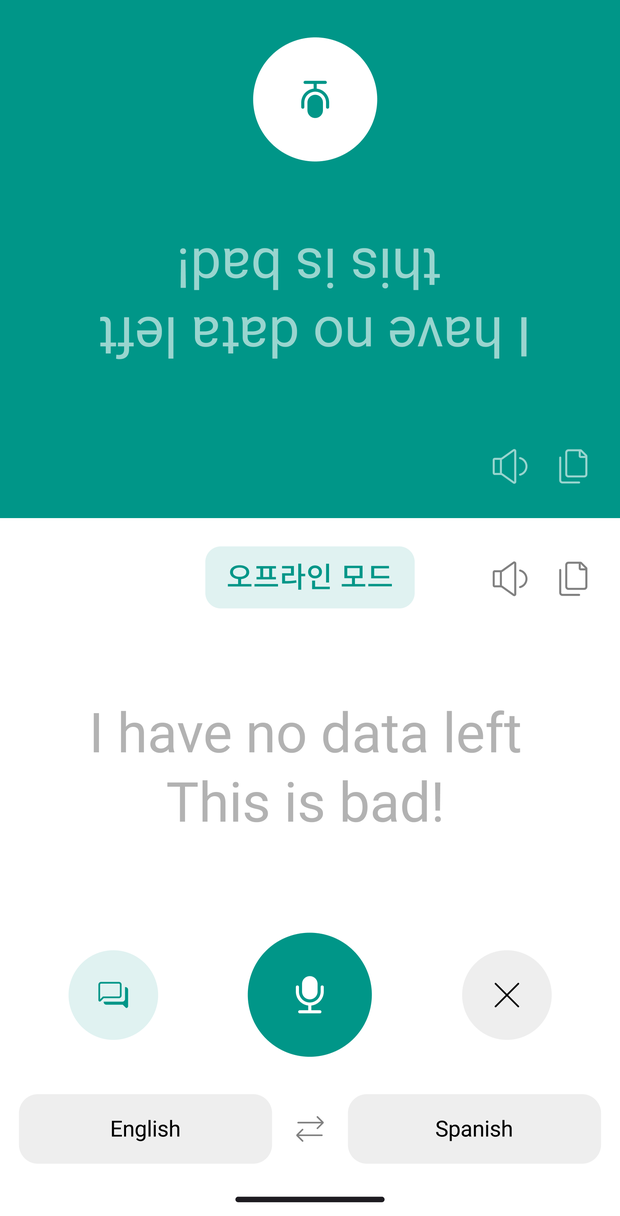
When to use it
Prepare before an overseas trip
Download the language packs while connected, then test the language pair you will use. An available language pack does not mean every feature works offline.
Plan for an unreliable connection
Use features you have already tested when traveling or visiting places with poor connectivity. Keep essential addresses or phrases separately in case a required feature is unavailable.
Before you start
- Check that the packs you need are available. Overall support for 100+ translation languages does not mean all of them work offline.
- Confirm that downloads have finished, then test with the internet connection turned off.
- Test the text, voice, or photo features you actually need separately. One working feature does not establish support for another.
Getting started
Check available packs while connected
Open the app's settings and check whether a download is available for your language. Do not assume every language or feature works offline.
Download your language packs
Download the packs you need while you have an internet connection. Confirm that the downloads have finished before leaving.
Test before you travel
Try the language pair and features you need without an internet connection. If a required feature is unavailable, plan for internet access or another way to communicate.
Screens and available features may vary by language, platform, and app version.
Troubleshooting
A pack has not finished downloading
Check the internet connection and available device storage, then confirm the download status. Do not rely on offline use before the download is complete.
A feature fails after the download finishes
Check offline coverage for that language pair and feature. Note how the behavior differs with and without an internet connection when contacting Support.
Frequently asked questions
Contact SupportAre all 100+ languages available offline?
What if translation fails after downloading a pack?

Try it in your next conversation.
Download Talking Translator
Each update brings steadier translation and new features.